The shoebox of old family photos: restore them with AI in one afternoon
That folded, yellowed photo of your grandparents' wedding can look sharp again this afternoon: photograph it, upload it to an AI and ask for a restoration. The rule that prevents heartbreak: restoring is not inventing, and the original stays untouched.
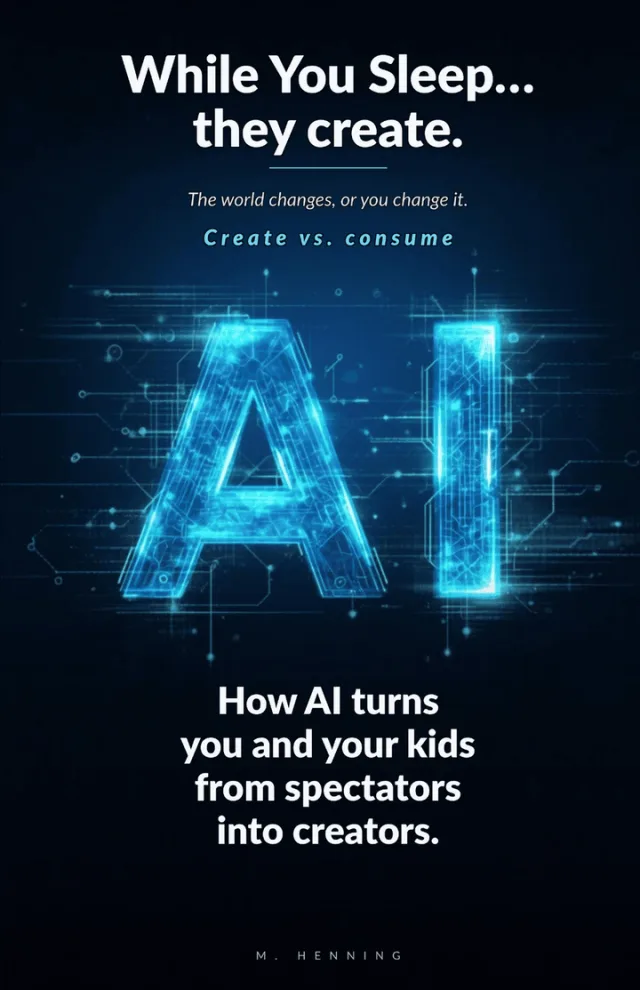 The book behind this articleWhile You Sleepfor the whole family
 Almost every home has a shoebox of photos nobody looks at because their condition hurts: folded, yellowed, a corner eaten by damp. What has changed is that rescuing them no longer takes a lab or complicated software. With a phone and an image AI, one afternoon is enough to restore the ten best ones and see your grandmother at twenty the way your grandfather saw her.
First, the digital copy
No scanner needed. Lay the photo on a flat surface near a window with natural light but no direct sun, and shoot from above with the phone parallel to the paper so nothing distorts. Skip the flash, it creates a glare spot in the middle. Take two shots per photo and keep the sharper one. That file is your negative: the paper original goes back into the box and is never handled again.
Restore this old photograph: remove scratches, stains, folds and the yellow cast, recover contrast and sharpness. Do not change the faces, the clothes or the background, and do not add anything that is not in the image. If an area is too damaged to know what was there, leave it soft and neutral instead of inventing details.Restoring is not inventing
It helps to know what the AI actually does: it does not wipe the photo clean, it redraws damaged areas with whatever seems most likely. On a small stain it is almost always right; on half a missing face, it invents. That is why the prompt tells it to leave the unrecoverable neutral, and why the final check is yours: put original and restoration side by side and confirm the mole is still where it was and the smile belongs to your family, not to a catalog. If something is off, ask again, more conservative.
- Colorization: ask for color only after restoring, and treat it as interpretation, the AI does not know what color the dress was, it decides by probability.
- Upscaling: a higher-resolution copy of the best photo so you can print it large.
- The single portrait: crop one person out of a group photo to get their own portrait.
- The caption: ask the elders who is who and write it on the back of the original, in pencil. That information is lost sooner than the paper.
The best ending: show them to the people in them
The part that turns the afternoon into a memory is not technical. Bring the restored photos to the next family meal, or print three and send them by physical mail. In front of a sharp photo from 1965, grandparents do not say how nice it turned out: they start telling you who took the picture, what happened next, what the dog was called. Record that audio with your phone. For the exact questions, we have a guide to interviewing your grandparents, and restored photos fit perfectly into the family yearbook.
FAQ
Can AI change a person's face when restoring a photo?
Yes, that is the main risk: where information is missing, the AI fills in what is likely, and a badly damaged face can come out similar but not identical. That is why you always compare against the original and repeat with more conservative instructions if something is off.
Is AI colorization of black-and-white photos accurate?
It is an interpretation, not a fact: the AI picks likely colors, not the real ones. Fine as a pretty version to gift, but the archive copy should be the restored black-and-white one.
Do I need a scanner to digitize old photos?
No: a phone shot in sideways daylight, no flash, phone held parallel to the paper gives plenty of quality for restoration and normal-size prints.
Did this article help you?